One-button visor remote
A straightforward choice for one compatible garage door. The larger button can be convenient for frequent vehicle use.
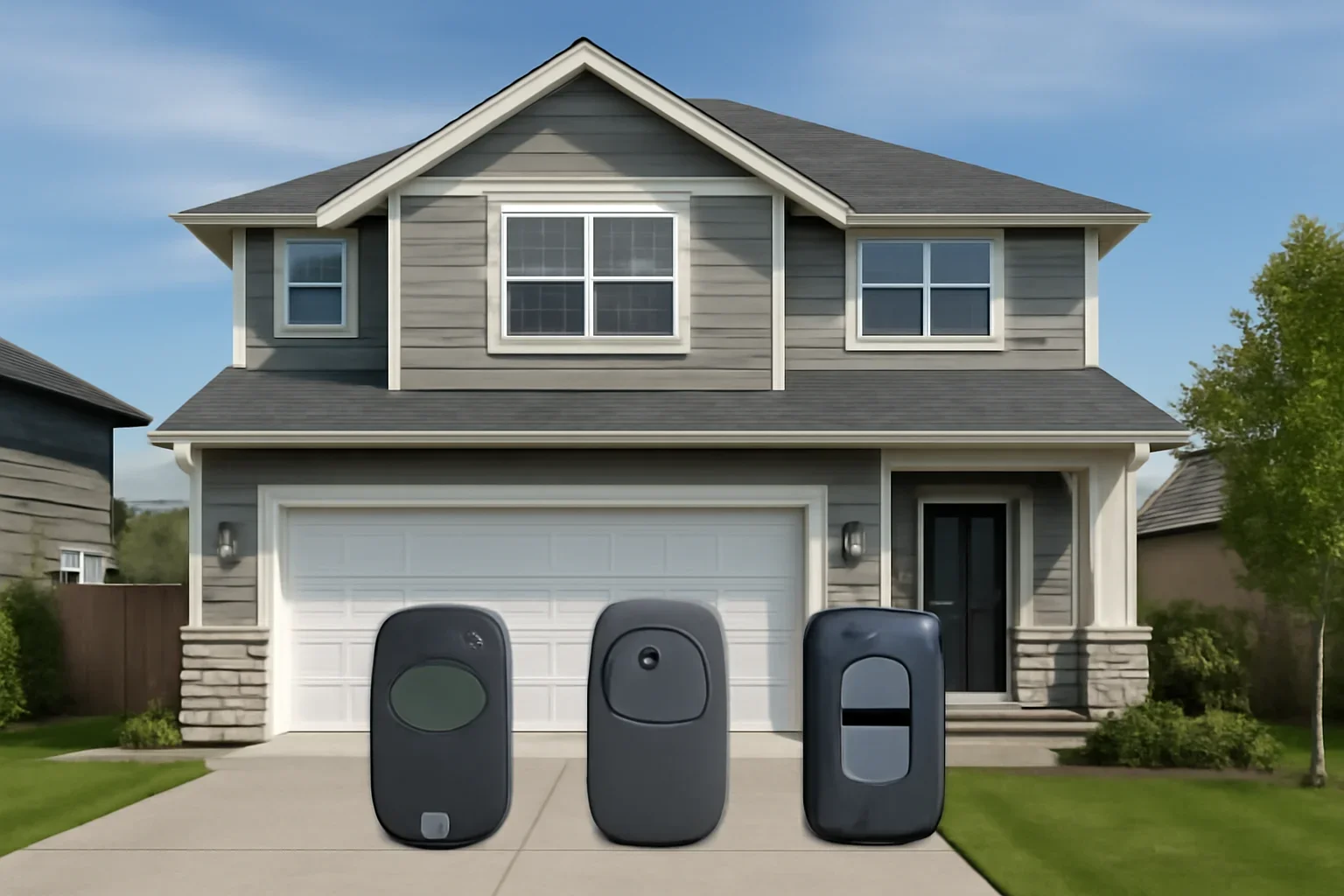
Find a compatible garage door remote for dependable access, whether you are replacing a lost control, adding a second vehicle or programming a new opener.
Garage door remotes are not automatically interchangeable. The opener brand, model, age, learn-button system, radio technology and number of doors you want to control can all affect compatibility.
Share the opener brand and model if known, or provide a clear photo of the motor unit and learn button. This helps narrow down whether you need an original replacement, a compatible universal remote, a keychain control or another access option.
Need help identifying the opener? Call +1 (844) 822-2211.
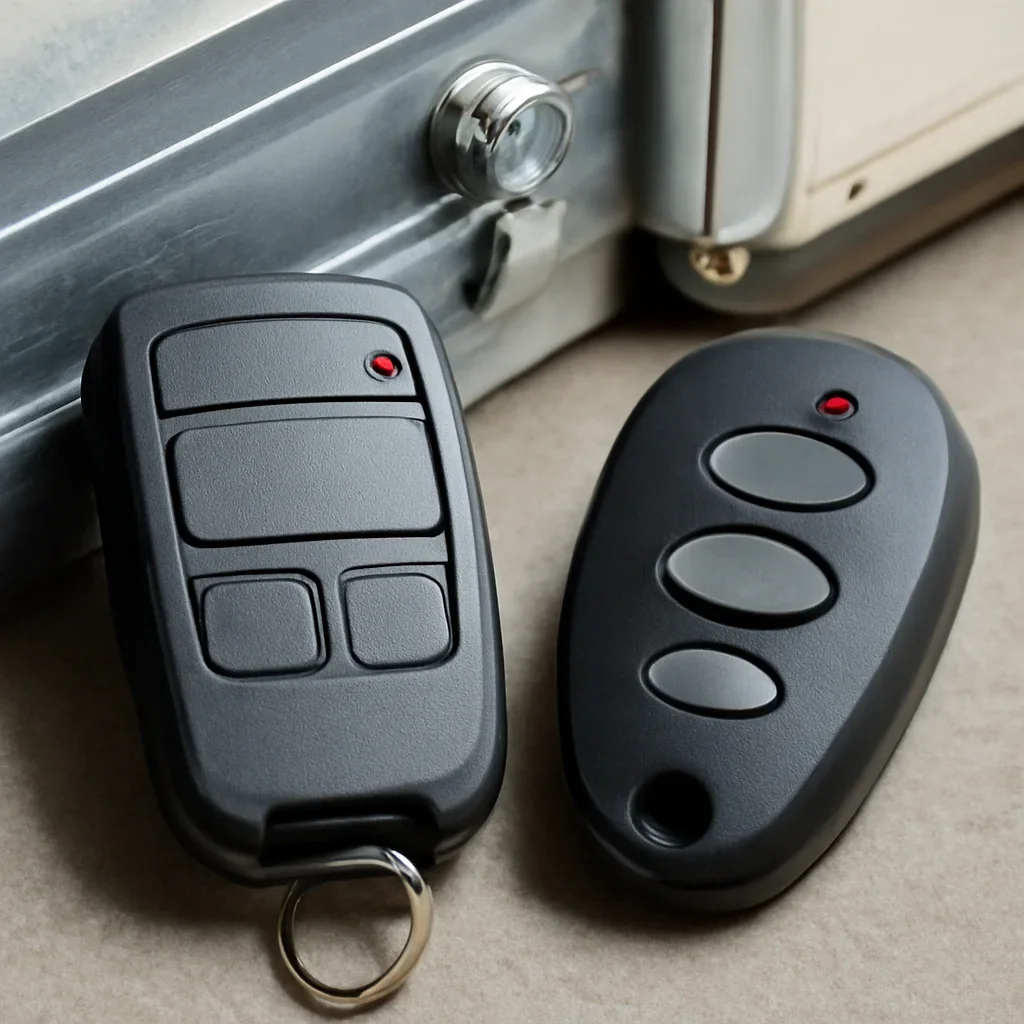
Start with the garage door opener brand, model number and learn button. The learn button is commonly located on the motor unit near the antenna or beneath a light cover. Its colour and the opener’s model information can help identify the control system.
Then compare the replacement remote’s stated compatibility, number of buttons and supported access devices. Do not purchase based only on appearance because similar-looking remotes may use different communication systems.
Langley properties include detached homes with multiple vehicles, townhome and strata garages, rural workshops, secondary garages and homes where the garage serves as the main family entrance.
A one-button remote may suit a household with one garage door. A multi-button control may make more sense when the property has a second door or another compatible access system. A compact keychain remote may suit a household member who does not regularly carry a vehicle visor remote.
Townhome and strata residents should also consider how many authorized controls are allowed and whether property management controls a shared gate separately from the private garage door.
The best control is not always the one with the most buttons. Compare compatibility, portability, regular users and the number of access points that need to be controlled.
A straightforward choice for one compatible garage door. The larger button can be convenient for frequent vehicle use.
Different buttons may control multiple compatible garage doors, gates or supported accessories, depending on the remote model.
A compact control can suit motorcycles, bicycles, renters, family members or users who prefer not to leave a remote inside a vehicle.
Some universal remotes support several major opener brands and generations, but the exact compatibility must still be checked.
Some vehicles include an integrated control system that can be paired with a compatible opener without keeping a loose visor remote in the vehicle.
An exterior keypad or supported mobile control can complement physical remotes for household members, deliveries or temporary access needs.
Confirm the opener information before choosing a replacement. Packaging that says “universal” does not mean it works with every opener ever produced.
Both may be practical. The right choice depends on confirmed compatibility, the number of devices, the opener generation and the features you need.
Start with the simplest likely causes, then compare the remote with the wall control and other programmed devices.
A remote may work intermittently, require several presses or stop responding completely when its battery is low.
A power event, reset, control-board issue or previous reprogramming may remove the remote from the opener’s stored devices.
Some wall controls can disable handheld remotes while still allowing the wired wall button to operate the door.
Worn buttons, moisture, impact or internal battery-contact problems can prevent a remote from sending a dependable signal.
A remote that works only near the garage may involve the battery, antenna, receiver, local interference or an opener issue.
A remote can look similar and still use a different code system or frequency from the garage door opener.
Treat a missing remote as an access-control issue, especially when it was lost with vehicle registration, keys or information that identifies the property.
Depending on the opener, the safer next step may be to erase stored remote access and program only the controls that remain authorized. Update related keypad codes where appropriate and test every approved remote after reprogramming.
The exact steps vary by opener and remote. Model-specific instructions should take priority over generic programming advice.
Confirm the manufacturer, model, learn-button type and approximate opener age.
Check that the remote supports the opener’s control technology and the required number of doors or devices.
Follow the opener and remote instructions within the required programming window.
Confirm opening and closing response while keeping people, pets, vehicles and stored items clear of the door.
Comparing the remote with the wired wall control and another known control can help narrow down the issue.
The wall control operates the door normally, another programmed remote still works, and the problem is limited to one handheld control.
Battery replacement, reprogramming or remote replacement may be the appropriate next step.
No remote works, the wall control also fails, the opener has no power, or the motor responds without moving the door correctly.
Sensor, wiring, receiver, control-board or mechanical door problems may need to be considered before another remote is purchased.
Clear opener information can prevent an incompatible remote from being selected.
Provide the manufacturer and model number from the ceiling-mounted opener unit when safely visible.
A clear photo of the learn button, antenna area and nearby labels can help identify the control system.
Include front, back and battery-compartment photos of an existing working or failed remote.
State whether the new remote must operate one door, several doors or another compatible access point.
Explain whether the wall control, keypad, mobile app or another remote can still operate the opener.
Mention whether the remote is simply damaged or has been lost and should no longer have access.
Cost depends on the remote type, compatibility, number of buttons, security technology and whether programming or opener diagnosis is needed.
A basic single-button replacement may have a different scope from a multi-button universal control, vehicle integration issue or lost remote that requires the opener’s stored devices to be reset.
Review the general garage door pricing information before requesting product or programming support.
Compare garage doors, openers, programming, access-code security and repair options before purchasing another control.
These answers cover compatibility, programming, batteries, range, lost controls and replacement options.
No remote works with every garage door opener. Some universal remotes support several major brands and opener generations, but the specific model or control technology must still appear in the compatibility information.
Find the opener manufacturer, model and learn button. Compare those details with the replacement remote’s compatibility information rather than relying on the shape or colour of the old remote.
Some multi-button remotes can control two or more compatible doors. Each button normally needs to be programmed independently to a supported opener or access device.
A weak battery, damaged remote, opener antenna issue, receiver problem or local interference may reduce range. Compare the remote with another control before replacing the opener.
The remote battery, programming, lock mode, compatibility or internal remote condition may be involved. This usually indicates that the opener still has power and can respond to at least one control.
Many compatible remotes can be programmed using the opener’s learn button and model-specific instructions. Stop when the opener cannot be safely reached, the instructions do not match the unit or the pairing process repeatedly fails.
Consider erasing the opener’s stored controls and programming only the remotes that should remain authorized. Change related keypad access codes when appropriate.
Some vehicle-integrated controls can operate compatible garage door openers. Compatibility and programming depend on the vehicle system and opener technology.
Not automatically. A compatible universal remote or receiver option may exist. Opener replacement may be worth comparing when the unit also has reliability, safety, control or parts-availability issues.
Send clear photos of the opener model label, learn-button area, antenna and both sides of any existing remote. Avoid standing on an unstable object to reach the opener.
Send the opener brand, model, learn-button photo, existing remote details, number of doors and whether the request involves a lost control, programming problem or non-responsive opener.
Remote availability and programming depend on confirmed opener compatibility.