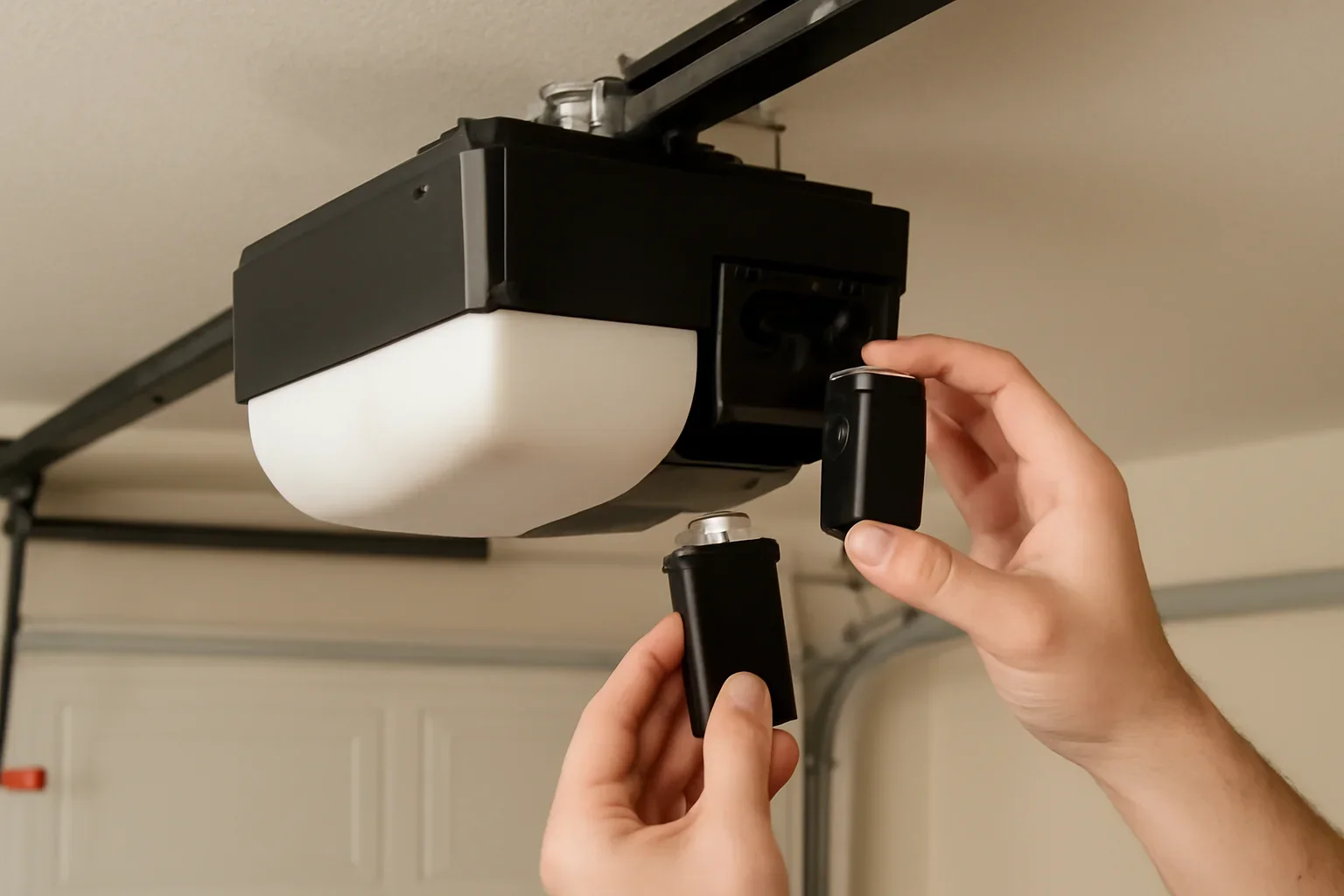
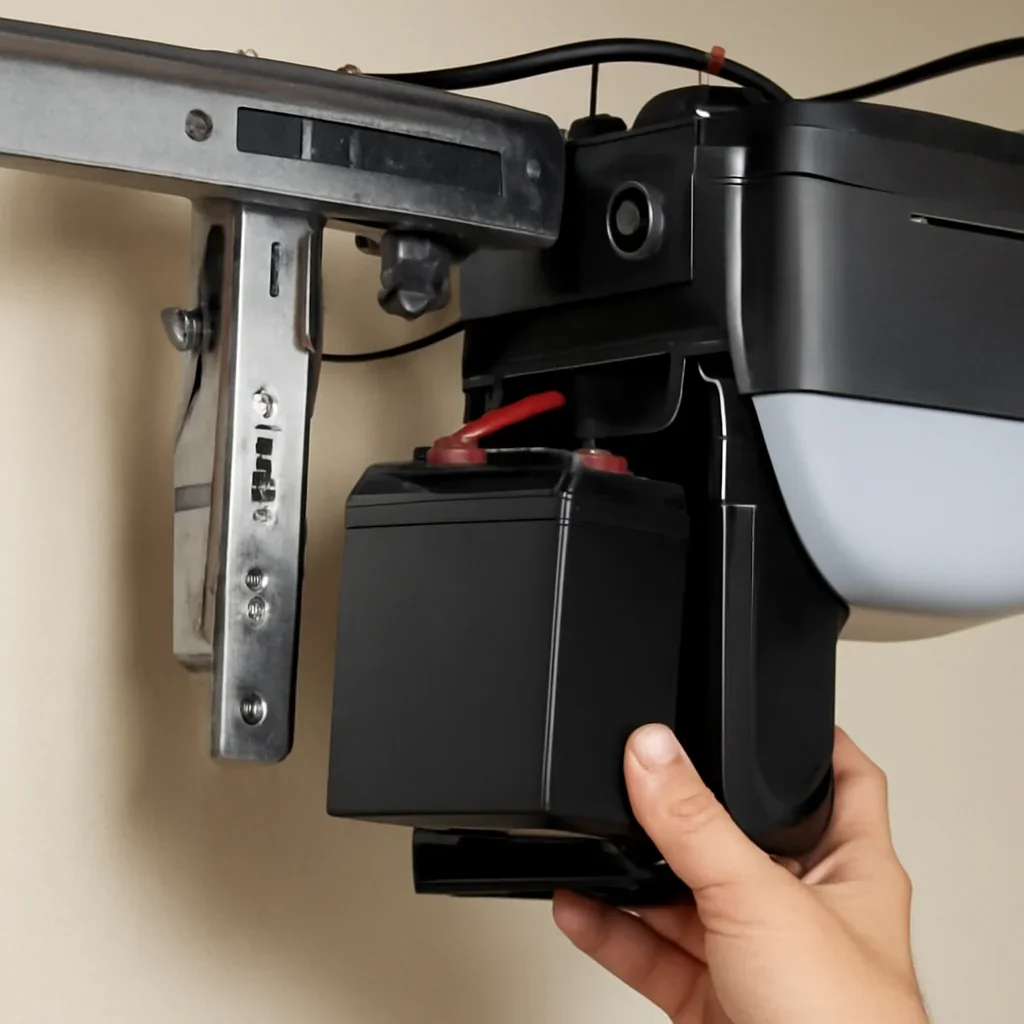
Learn how to identify a weak garage door opener backup battery,
confirm the correct replacement and decide whether the problem is
limited to the battery or involves the opener itself.
A backup battery is different from the small battery inside a remote
or keypad. The opener battery is a rechargeable component that helps
compatible openers operate during a household power outage.
What should you check first?
Confirm that the opener actually includes battery backup, locate
the model number and check the battery-status light or warning
sound described in the owner’s manual. Do not order a battery
based only on its shape or voltage.
Stop and request service if the battery is swollen, leaking,
unusually hot, corroded or connected to damaged wiring.
Exact opener model identified
Compatible battery confirmed
Door condition checked separately
Model-specific battery guidance for belt-drive, chain-drive and
wall-mounted residential garage door openers in Langley.
Opener beeping or showing a battery light?Record the indicator pattern and identify the model.
Remote does not work?The remote battery is separate from the opener backup battery.
Door will not operate during an outage?The backup battery may be discharged, failed or unsupported.
Identify the correct battery
Which garage door battery are you replacing?
Homeowners often use the same term for three different components.
Identifying the correct one prevents unnecessary parts purchases and
programming.
Inside the opener
Opener backup battery
This rechargeable battery supplies temporary power to a compatible
opener when household electricity is unavailable.
Located in or beside the motor unit
Matched to a specific opener or product family
Normally recharges while mains power is available
Handheld control
Remote-control battery
The remote uses a much smaller replaceable battery. Changing it
will not correct a warning from the opener’s backup system.
Located inside the handheld transmitter
Battery type varies by remote model
May affect range or button response
Exterior or connected control
Keypad or door-sensor battery
Wireless keypads and connected door sensors can have their own
batteries, separate from both the remote and opener powerhead.
May trigger an accessory-specific warning
Does not power the garage door motor
Requires the accessory model for correct matching
!
Do not substitute an automotive or general-purpose battery
Use only a battery or battery kit confirmed for the exact opener.
Connector shape, physical size, charging requirements, capacity
and the number of batteries can differ between models.
Recognize the warning signs
How can you tell when the backup battery needs attention?
Indicator lights and warning sounds vary by opener, but these
symptoms commonly justify checking the battery and model manual.
01
The opener begins beeping
A repeating sound may report a low, disconnected or charging
battery, but the exact pattern must be checked for the model.
02
A battery-status light changes
A red, orange, flashing or unlit indicator can mean different
things across product lines. Photograph the light before service.
03
The opener works only with household power
If the opener stops immediately during an outage, the battery may
be discharged, disconnected, failed or absent from that model.
04
The battery does not hold a charge
A battery that repeatedly reports low charge after normal charging
time may have reached the end of its useful service life.
05
The opener was unplugged for an extended period
A stored or disconnected system may need time to recharge before
backup performance can be judged.
06
The battery or connector looks damaged
Swelling, leakage, heat, corrosion or damaged wiring should move
the problem directly to professional service.
Safe model-aware process
How to approach garage door opener battery replacement
Follow the owner’s manual for the specific model. These steps help
prepare for a safe replacement without assuming that every opener
uses the same compartment or battery.
1
Confirm that the opener has battery backup
Look for a battery-status indicator, labelled battery cover,
product specification or battery information in the model
manual.
Some openers include an integrated battery, some support an
optional battery kit and others do not support backup operation.
2
Record the exact model number
Photograph the opener label clearly enough to read its model and
serial information. Also record the current battery light and
warning sound.
The opener brand by itself is not enough to confirm the correct
battery.
3
Find the specified battery or replacement kit
Use the owner’s manual or model-specific parts information to
match the battery part number, connector and required quantity.
Similar-looking batteries may have different charging or
connection requirements.
4
Close the garage door before accessing the opener
The door should be fully closed, level and stable before the
opener is disconnected from household power for a
manual-approved battery procedure.
Do not continue when the door is crooked, unusually heavy, off
track or supported by damaged springs or cables.
5
Disconnect opener power as directed by the manual
Do not work on a powered battery compartment. Follow the
manufacturer’s instructions for disconnecting mains power and
accessing only the intended battery cover.
Do not open the logic-board or motor housing unless the manual
specifically identifies it as part of the battery procedure.
6
Check the battery and connector condition
Stop if the old battery is swollen, leaking, unusually hot or
heavily corroded. Damaged wiring or connectors also require
service rather than a basic battery swap.
Keep metal tools and loose objects away from battery terminals.
7
Install only the confirmed compatible replacement
Follow the model manual for battery position and connector
orientation. Do not force a plug, modify wiring or leave the
battery unsecured inside the opener.
Use an approved battery-recycling option for the removed
battery rather than placing it loosely in household waste.
8
Reconnect power and allow the battery to charge
Restore household power and allow the full charging period
stated in the manual before deciding whether the warning has
been corrected.
Use the manufacturer’s model-specific battery test procedure
after charging.
Information that reduces guesswork
What should you record before buying a battery?
Battery compatibility is determined by the opener, not by the garage
door size alone. Clear model information helps prevent ordering the
wrong voltage, connector, battery count or compartment style.
Opener brand and model
Photograph the main product label rather than relying on the
logo visible on the housing.
Existing battery part number
Record any readable battery or battery-kit number without
handling a swollen or leaking component.
Number of batteries
Some systems use one battery while specific models or kits may
require more than one.
Connector and compartment
Include a clear photo of the intended battery compartment and
accessible connector without dismantling unrelated covers.
Status light or warning pattern
Note the light colour, whether it is steady or flashing and how
often the opener sounds.
Garage door condition
State whether the door is level, balanced, noisy, difficult to
lift or affected by visible mechanical damage.
Langley property reality
When does battery backup matter most in Langley?
The value of battery backup depends on how the garage is accessed,
whether another entrance is available and how the property is used
during a power interruption.
Homes that use the garage as the main household entrance may place
greater value on powered access during an outage.
Townhomes and strata garages
Compact parking, shared drive aisles and limited secondary access
can make a dependable backup system more useful.
Detached garages and workshops
A separate building may have no interior entry from the home, so
manual access and opener backup should be considered together.
Rural and acreage properties
Detached structures, longer driveways and less convenient
secondary entrances can make outage access planning more
important.
Older opener systems
An aging opener may have a discontinued battery, limited parts or
charging problems that make full replacement worth comparing.
Occasional storm-related interruptions
A charged backup battery can support compatible opener operation,
but households should still know how safe manual access works for
their door.
Avoid replacing the wrong component
Is the battery actually causing the problem?
A new battery will not correct a failed charger, damaged wiring,
logic-board fault or mechanically unsafe garage door.
The battery may be the main issue when
The opener operates normally on household power.
The model supports an installed backup battery.
A model-specific low-battery warning is active.
The battery is old and no longer holds a charge.
The connector and compartment remain undamaged.
The garage door moves smoothly and remains balanced.
Opener service may be needed when
A confirmed new battery will not charge.
The warning returns after the full charging period.
The battery connector or wiring is damaged.
The opener has other motor or control problems.
The model no longer has practical compatible parts.
The door is heavy, crooked, jammed or mechanically unsafe.
Send model information before booking
Include the opener label, battery part number, warning-light
behaviour, battery compartment and a short description of what
happens on household and backup power.
Battery type, opener model, part availability, charging-system
faults, access to the motor unit and whether other opener or garage
door problems are present can change the final scope.
Review the pricing page for general planning
before requesting a model-specific estimate.
Related support and service pages
Choose the next page based on the symptom
Use these resources when the problem may involve the opener, safety
sensors, door movement or a wider garage door system issue.
01
Garage door not opening
Review household power, controls, opener response, manual access
and possible mechanical causes.
These answers cover battery identification, charging, warning
sounds, remote batteries and outage operation.
How do I know if my garage door opener has battery backup?
Check the opener model specifications, owner’s manual, battery
indicator and labelled battery compartment. Not every garage door
opener supports a backup battery.
Why is my garage door opener beeping?
Beeping may indicate a discharged, disconnected or failing backup
battery, but warning patterns vary by model. Record the sound
pattern and status light before diagnosing it.
Is the opener battery the same as the remote battery?
No. The opener backup battery supplies temporary motor-unit power
during an outage. The remote uses a smaller battery that powers
only the handheld transmitter.
Can I use any battery with the same voltage?
No. The replacement should match the opener model, approved part
number, connector, physical size, charging requirements and
required battery quantity.
Does a new opener battery need time to charge?
Yes. Restore household power and allow the charging period stated
in the opener manual before testing battery-backup performance.
Will replacing the backup battery erase my remotes?
A normal backup-battery replacement usually does not require
remote reprogramming, but the correct procedure should be
confirmed in the model manual.
Why will a new battery not charge?
The cause may involve an incorrect battery, loose connector,
damaged wiring, charging circuit, logic board or household power
problem rather than the replacement battery itself.
What information should I provide before booking service?
Include the Langley location, opener brand and model, battery part
number, warning-light behaviour, beeping pattern, compartment
photos and a description of operation during a power outage.
Need garage door opener battery help in Langley?
Share the opener model, battery part number, status-light
behaviour and what happens when household power is unavailable.
This helps separate a worn battery from a charging, opener or
garage door problem.