Power cycle
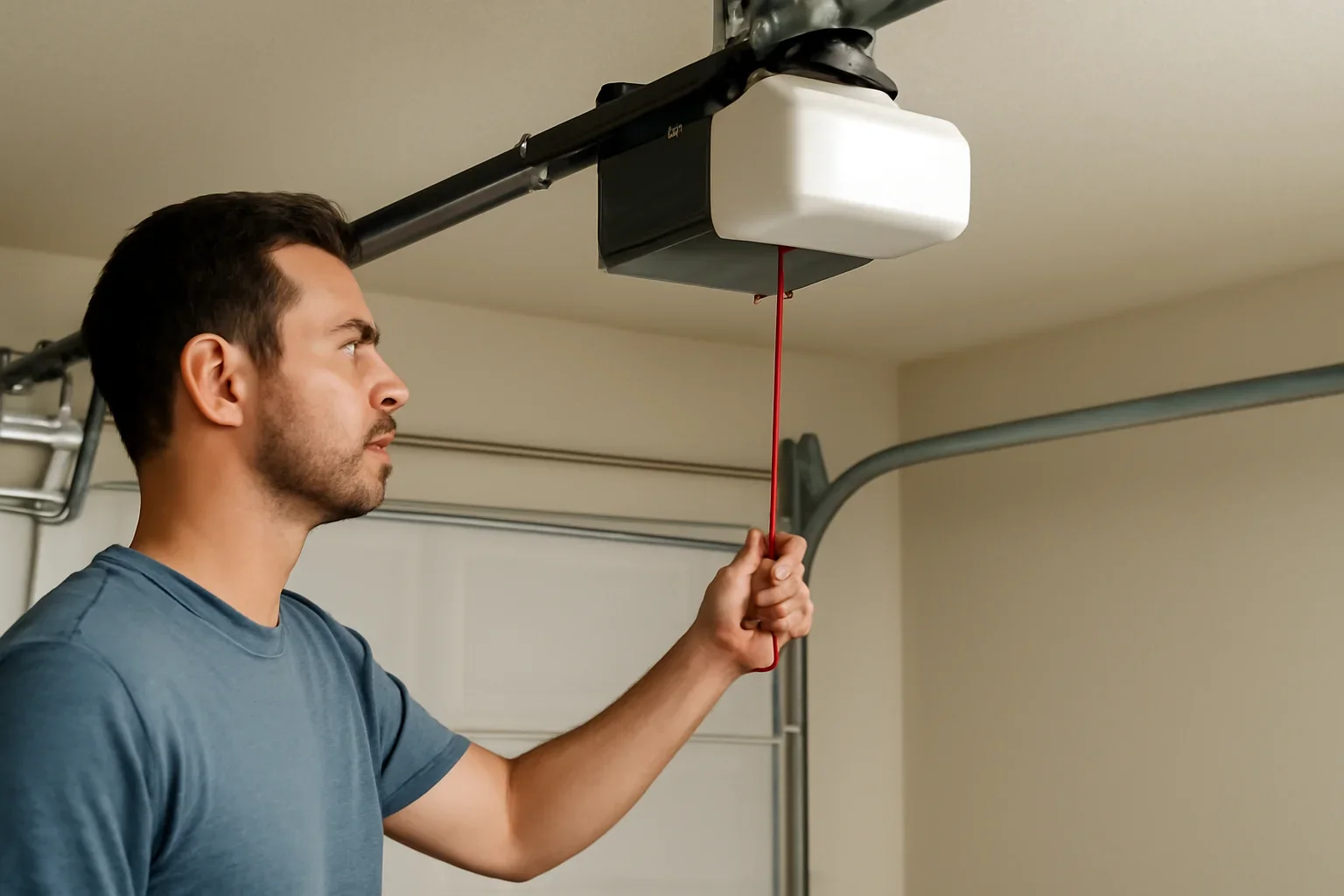
The opener is disconnected from household power and restarted according to its manual.
- May clear a temporary electronic fault
- Usually does not erase stored remotes
- Does not repair damaged parts or wiring

Identify which type of reset you actually need before pressing the learn, program, limit or Wi-Fi buttons on your garage door opener.
A simple power restart may help after a brief electronic fault. Reprogramming may be needed when one remote or keypad has stopped responding. Erasing memory is different: it can remove every stored remote and require each approved control to be added again.
Do not perform a factory or hard reset using instructions for a different model. Resetting limits incorrectly can affect where the door stops.
The word reset can refer to several different procedures. Choosing the wrong one can erase working remotes or create additional setup work.
The opener is disconnected from household power and restarted according to its manual.
A specific remote, wireless keypad or vehicle control is paired again with the opener.
The opener’s wireless-control memory is cleared so old remotes and keypads no longer operate it.
Certain openers can clear travel limits, force settings, connected features or other stored setup information.
A brief press may start programming, while holding the same button can erase stored remotes on some opener systems. Record which controls currently work before making changes.
Many problems that appear to need a reset are caused by power, control locks, depleted batteries, blocked sensors or mechanical garage door issues.
Confirm that the opener is plugged in and that the outlet, breaker or connected power source has not been interrupted.
Some wall controls can disable wireless remotes while the wired wall button continues to operate the opener.
A depleted accessory battery can affect one control without creating a fault in the opener itself.
Blocked, dirty or misaligned photo eyes can prevent closing even when the motor and remotes are operating correctly.
The motor may run without moving the door if the trolley or carriage remains disconnected after manual operation.
A reset cannot correct a broken spring, loose cable, damaged track, binding roller or door that is heavy and out of balance.
Use this process to identify the correct model-specific instructions without erasing controls or changing travel settings unnecessarily.
The door should be level, on its tracks and free from visible spring, cable, roller or bracket damage.
Stop using the opener if the door is crooked, unusually heavy, partly off track or moving unpredictably.Check the wired wall control, handheld remote, exterior keypad and connected app separately. Record which controls work.
One failed remote usually does not require erasing the complete opener memory.Photograph the product label on the motor unit and note the brand, model, serial information and visible program controls.
Do not remove the motor or logic-board housing to find the model label.Decide whether the goal is to restart power, reconnect one remote, change a keypad code, erase lost controls, reconnect Wi-Fi or correct travel limits.
Each goal can use a different button sequence.Follow model-specific instructions for button location, press duration, indicator behaviour and any required setup afterward.
Do not use a video or sequence intended for a different opener only because the housing looks similar.When appropriate, begin with the model-approved power restart or reprogram only the control that has stopped working.
Avoid erasing memory unless old controls must be removed or the manual specifically requires it.After the approved procedure, test the wall control and each authorized remote while remaining clear of the moving door.
Confirm that the door opens, closes and stops in the correct positions without binding or reversing unexpectedly.Check that the photo-eye sensors remain connected, aligned and unobstructed after programming or resetting work.
Never bypass or disable the required safety sensors to complete a reset.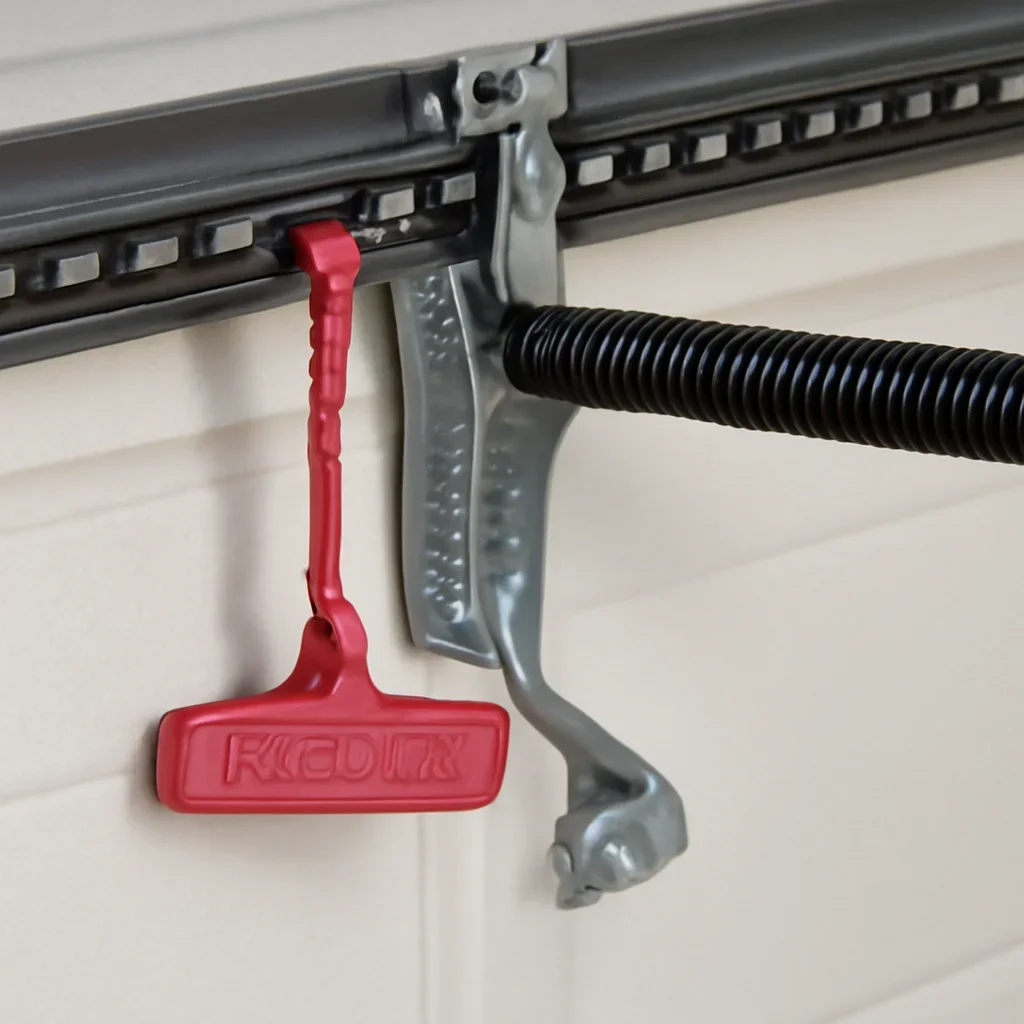
Opener controls can look similar across product generations while responding differently to a short press, long press or combination of buttons.
Resetting can restore certain electronic or programming functions. It cannot repair damaged door hardware or failed opener components.
Property type, number of users, garage access and opener age can change which reset or reprogramming problem appears most often.
Several household remotes, visitor access and exterior keypads can make it important to know exactly which controls will be erased.
A router or account change may affect Wi-Fi access even though the physical remotes and wall control still work.
Older openers may use dip switches, discontinued accessories or programming methods that differ from newer learn-button systems.
Multiple remotes, vehicle controls and keypads should be listed before memory is cleared so authorized access can be restored.
Limited secondary access can make accidental memory erasure or failed keypad programming more disruptive.
A restart may restore some systems, but repeated faults can point to backup-battery, power-supply or opener-electronics problems.
Service makes sense when the reset does not hold, the correct procedure is unclear or the problem involves the garage door, wiring, opener rail or electronics.
Controls that continually disappear from memory may point to an electronic fault rather than normal setup.
The trolley, rail, emergency-release connection or garage door hardware may need assessment.
Travel and force setup may need model-specific service, especially when the door also binds or reverses.
Outlet, wiring, transformer, power supply or logic-board problems will not normally be corrected by programming controls.
Damaged brackets, tracks, wiring or photo-eye components may require repair before closing can work reliably.
Crooked movement, broken springs, loose cables or damaged tracks require garage door repair rather than another opener reset.
Include the Langley location, opener model, controls that work, diagnostic lights, recent changes and a safe video of the symptom when possible.
Use these pages to separate programming trouble from sensor, opener and mechanical garage door problems.
Review household power, controls, manual release, opener response and possible mechanical causes.
Read the opening guideCompare programming problems with sensors, travel settings, obstructions and track resistance.
Read the closing guideReview sensor alignment, indicator lights and visible wiring when the opener refuses to close.
Review the sensor guideUse the repair page when the concern involves springs, cables, rollers, tracks, panels or door balance.
Review garage door repairReview programming guidance when the opener works but a compatible wireless control needs to be added again.
Review programming guidanceReview opener repair when power, electronics, the motor, rail or controls remain unreliable after correct troubleshooting.
Review opener repairCompare replacement when an older opener has repeated faults, limited accessory support or unreliable electronics.
Review opener replacementReview drive types, controls, noise, battery backup and connected features when a new opener is being considered.
Explore garage door openersBrowse additional owner guidance for controls, operation, maintenance and common garage door symptoms.
Browse the support hubThese answers cover power cycling, learn buttons, remotes, memory, Wi-Fi and situations where resetting will not solve the problem.
Confirm household power, test the wired wall control and inspect the garage door for unsafe mechanical problems. Then identify the opener model and the specific function that has stopped working.
Disconnecting and restoring power may restart the electronics on some models. It usually does not erase remotes or correct damaged hardware, failed components or incorrect travel settings.
A simple power restart usually does not. Holding a learn or program button can erase wireless controls on some systems, so check the exact model instructions first.
The remote battery, programming, compatibility, opener memory or wall-control lock feature may be involved. Test other controls before clearing the entire memory.
Some openers resume normal operation without intervention. When the opener remains unresponsive, use the model-approved restart procedure and check the outlet, breaker and backup battery.
Not necessarily. Blocked sensors, damaged wiring, incorrect travel settings, an obstruction or mechanical resistance can prevent closing.
No. Button functions, indicator patterns, limits and programming sequences vary by brand, model and product generation.
Send the Langley location, opener model, controls that work, indicator-light pattern, recent changes, current door position and a description of what happened after the reset attempt.
Share the model label, controls that work, diagnostic-light behaviour and the exact symptom. This helps determine whether the next step is programming, a power or sensor check, opener repair or mechanical garage door service.