After moving into a home
Changing the visible keypad PIN is useful, but unknown remotes and previously programmed keypads may also need to be removed from opener memory.

Change a garage door keypad code safely by first identifying the keypad, opener brand and exact action you need. Updating one PIN is different from adding a new keypad, erasing every remote and keypad, or changing app-based access.
This guide is designed for Langley homeowners, strata residents, landlords and property managers who need to update access after moving, changing tenants, sharing a code, losing a remote or discovering that an old PIN still works.
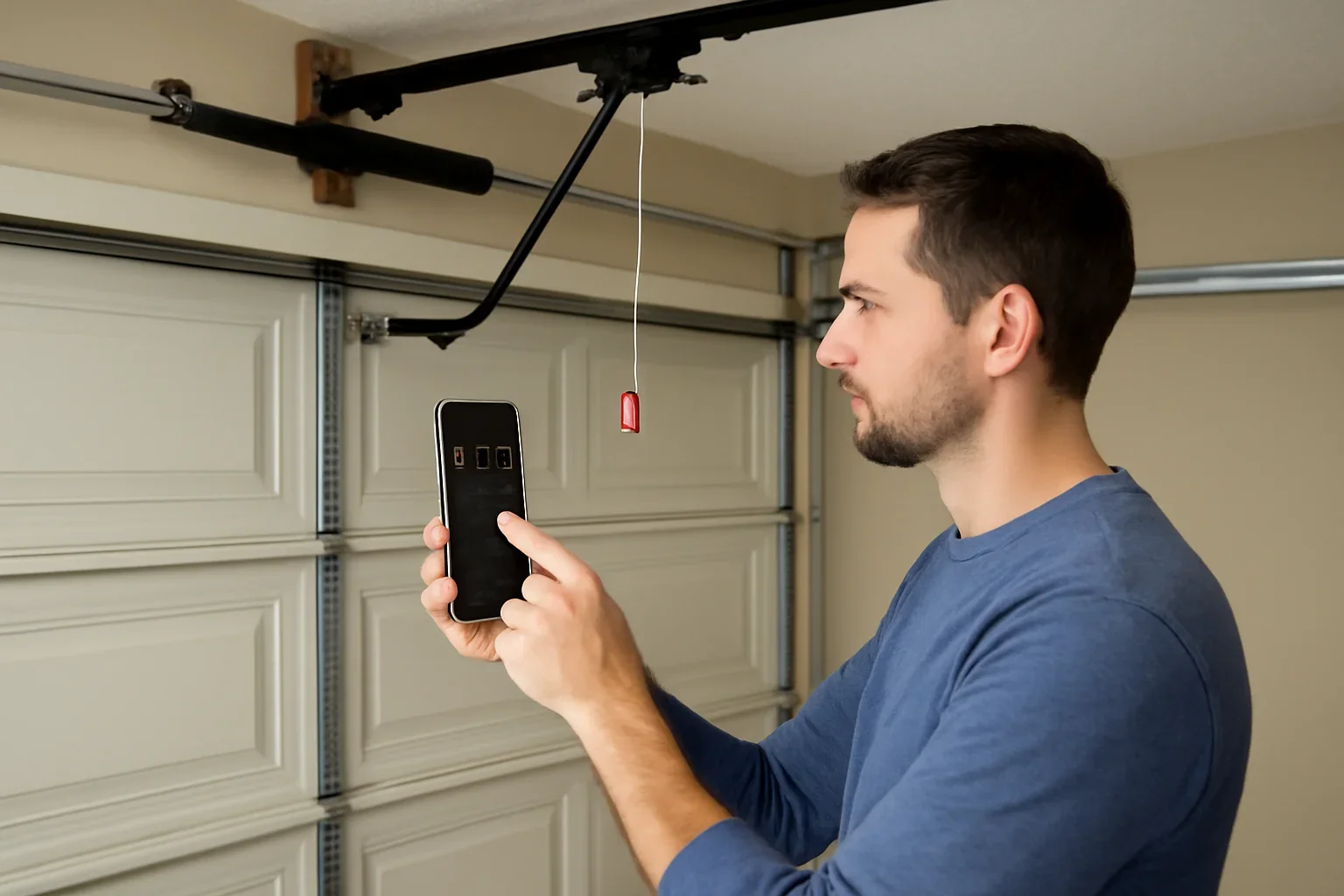
A keypad code should be treated like another entry credential. Update it when the people, devices or access arrangements around the property change.
Changing the visible keypad PIN is useful, but unknown remotes and previously programmed keypads may also need to be removed from opener memory.
Remove access that is no longer required, review remotes and app users, then create a new PIN for the current household.
Use a new permanent PIN after contractor, cleaner, guest or delivery access. A supported temporary code is better for short-term use.
Changing the keypad PIN does not disable a missing remote. The opener memory may need to be cleared and approved controls reprogrammed.
People often use the same phrase for four different access changes. Choose the action that matches the security concern.
Use this when the keypad and opener already work and you know the current PIN. On some models, the change can be completed at the keypad without clearing other devices.
Least disruptiveUse the exact keypad manual and opener Learn-button instructions when the current PIN is unknown, the keypad is new or the opener memory was reset.
Model-specific pairingUse a complete memory reset after a lost remote, move-in, suspected unauthorized access or unknown previous users. Every approved device must then be added again.
Full access resetmyQ and other connected systems may manage users, PINs and permissions in an app. Changing a physical keypad PIN may not remove app-based access.
Account-based accessProgramming sequences can differ even within the same brand. A photo of the equipment is more useful than guessing from the button layout.
Code changes should only be attempted when the garage door and opener already operate normally from a trusted control.
These are common paths, not universal instructions. Confirm the keypad model and follow its current manual when the buttons or responses differ.
For several supported Chamberlain and LiftMaster keypad models, the existing PIN can be changed without erasing the opener memory.
Important: this sequence does not apply to every keypad. Check the model before using it.
Genie uses different programming sequences across current, older and universal keypads. PIN length and button names can also differ.
Do not copy a sequence from a different Genie keypad. Similar-looking models can use different reset and programming steps.
Connected video keypads and app-managed access can use account-based PIN controls rather than the same sequence as a basic wireless keypad.
App menus can change. Use the current device instructions and avoid posting screenshots that expose access details.
On many Chamberlain and LiftMaster systems, pressing and holding the Learn button for several seconds removes all programmed remotes and keypads. A quick press used for programming is not the same as a long hold used to clear memory.
A full opener-memory reset is appropriate when changing one keypad PIN is not enough to control who can operate the door.
Do not assume a power outage or long period without power has removed old remotes or keypad codes. Use the documented memory-clear process for the exact opener when a complete access reset is required.
The strongest code is one that authorized users can remember without making it easy for neighbours, former occupants or visitors to guess.
Do not use the street number, repeated digits, phone-number endings, a birth year or another number visible in household records.
A temporary PIN or individual app invitation is easier to remove than sharing the household’s permanent code with a contractor or guest.
Track active remotes, keypads, app users and vehicle controls so a lost or unreturned device can be handled quickly.
Change or revoke access after a move, tenancy change, lost device, service visit or household change instead of waiting for a concern.
Confirm the new PIN works, the old PIN fails and the door closes fully before leaving the property.
Provide model numbers, indicator behaviour and photos with the PIN hidden. A service provider does not need the active entry code in an email or web form.
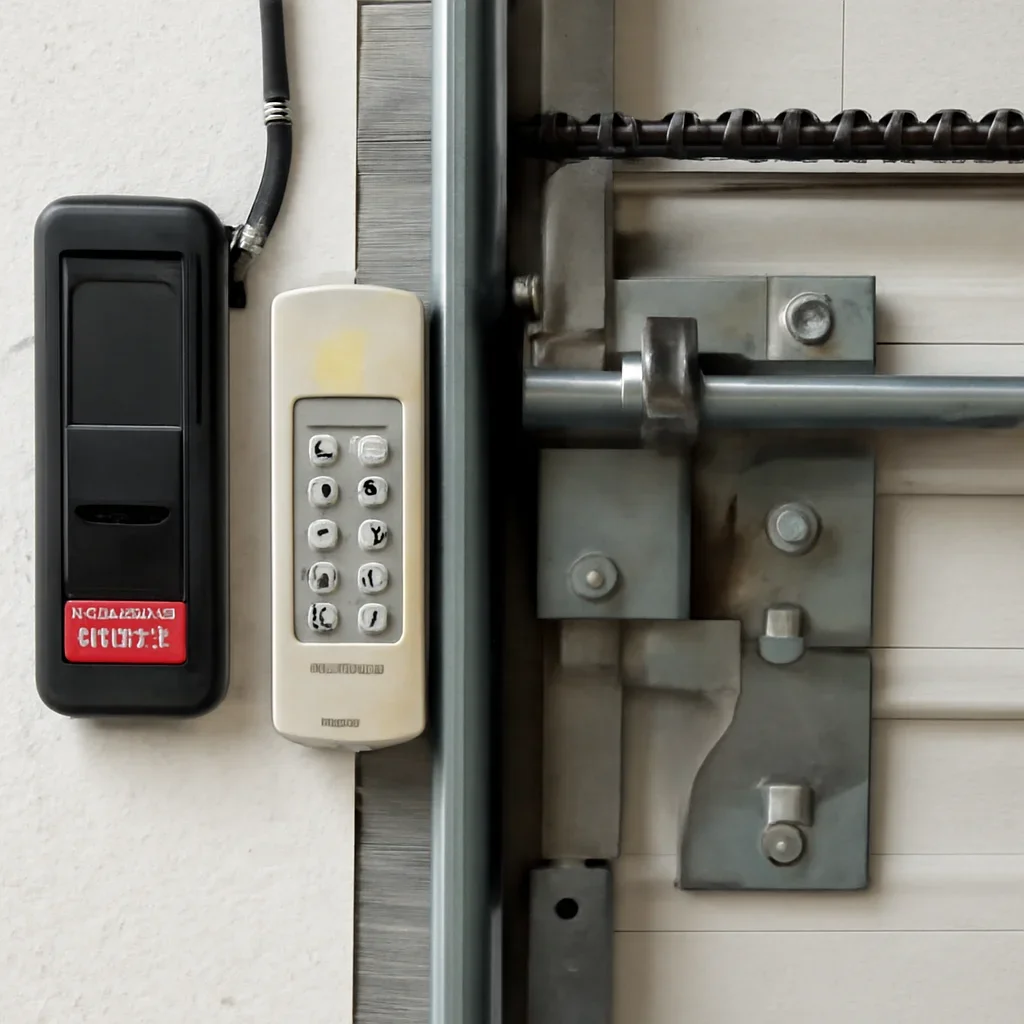
Langley includes newer Willoughby townhomes, established homes in Walnut Grove and Murrayville, older or custom properties around Fort Langley, detached garages in Aldergrove and rural acreages with workshops or outbuildings. Each setting can have different keypad, remote and secondary-entry needs.
Townhomes and strata properties may have multiple household users, shared visitor routines or exterior-change rules. Rental homes need a clear process when tenants change. Detached garages without another entry door need extra care before resetting every control.
After moving into a Langley property: do not rely only on changing the keypad PIN. Identify every remote, vehicle control, app user and keypad. Clear the opener memory when previous access cannot be verified.
During a power outage: the opener may not operate, but stored remotes and keypad programming are not usually erased. Make sure the household understands manual release and alternate access before an emergency.
Use the working controls to narrow the issue before replacing a keypad or resetting the entire opener.
Check the keypad battery, backlight, buttons, current PIN, compatibility, lockout behaviour, weather exposure and programming status.
Review keypad troubleshootingA full memory clear removes programmed controls. Each approved keypad, remote, vehicle control and smart hub may need to be added again.
Review remote programmingChoose opener diagnosis when the wall control, motor, receiver, logic board, rail, sensors or power supply may be involved.
Review opener repairA code change cannot correct door movement, sensor or mechanical problems. Use the related guide that matches what happens after a trusted control is pressed.
Use this guide when the opener responds but the door remains closed, moves only slightly or a vehicle is trapped.
Review door-not-opening causesUse this guide when the door reverses, stops, requires constant wall-button pressure or remains open.
Review door-not-closing causesCheck the sensor path, alignment and visible wiring before treating a closing problem as a keypad issue.
Review sensor troubleshootingChoose repair when the door is heavy, crooked, off-track, damaged or showing spring, cable, roller or track concerns.
Review garage door repairUse professional programming when compatibility, multiple controls or a full access reset needs to be coordinated.
Review remote and keypad programmingCompare replacement when the receiver, logic board or controls are obsolete, unreliable or incompatible with needed access features.
Review opener replacementBook service when the equipment needs inspection, programming or diagnosis rather than another trial-and-error reset.
Book garage door serviceReview common answers about controls, repairs, safety, estimates and choosing the correct service path.
Read the garage door FAQThese answers focus on keypad PINs, lost remotes, Learn-button resets, power outages, temporary access and what to provide when requesting help.
Often, yes. Several compatible keypad models let you change an existing PIN while keeping remotes and other controls programmed. The exact sequence depends on the keypad model, so confirm its instructions before pressing the Learn button.
You may need to program a new PIN through the opener or wall-control Learn button using the exact keypad instructions. If unauthorized access is a concern, consider clearing opener memory and reprogramming every approved device.
No. A remote and keypad are normally stored as separate access devices. To disable a lost remote when individual deletion is unavailable, clear the opener’s access memory and reprogram only the controls you still have.
On many Chamberlain and LiftMaster openers, holding the Learn button until its indicator turns off erases all remotes and keypads. Programming usually uses a shorter press-and-release action. Follow the exact opener instructions because reset behaviour varies.
Normally, no. Programmed access is designed to remain stored during a power interruption. Use the documented memory-clear procedure if old remotes or keypad codes must be removed.
Some wireless keypads, video keypads and smart-access systems support temporary PINs, limited-use codes or guest users. Availability and setup depend on the exact keypad, opener and app.
Possible causes include a weak keypad battery, worn buttons, weather exposure, interference, poor keypad compatibility, receiver trouble, lock mode or incomplete programming. Test the wall control and remotes to narrow the fault.
Share the Langley neighbourhood, keypad and opener brand, model numbers, Learn-button colour, which controls still work, whether memory was recently cleared and safe photos with the active PIN hidden. Never send passwords or entry codes.
Share your Langley location, opener and keypad model, Learn-button colour, which controls work and whether a remote is missing. Keep all active PINs and account passwords private.