Only one remote has stopped working
Start with that remote’s battery, battery contacts, buttons and programming. Compare it with another working control.

Find out whether the problem is a weak battery, lost programming, wall-control lock mode, limited range, an incompatible remote or an issue with the garage door opener receiver.
Start by checking which controls still work. If the wired wall control operates the door but one remote does not, the problem is more likely to be limited to that remote, its battery or its programming.
If every remote, keypad and wall control has stopped responding, the opener may have lost power or developed a wider control, receiver or mechanical problem.
Need help identifying the opener? Call +1 (844) 822-2211 with the brand, model and controls that still work.
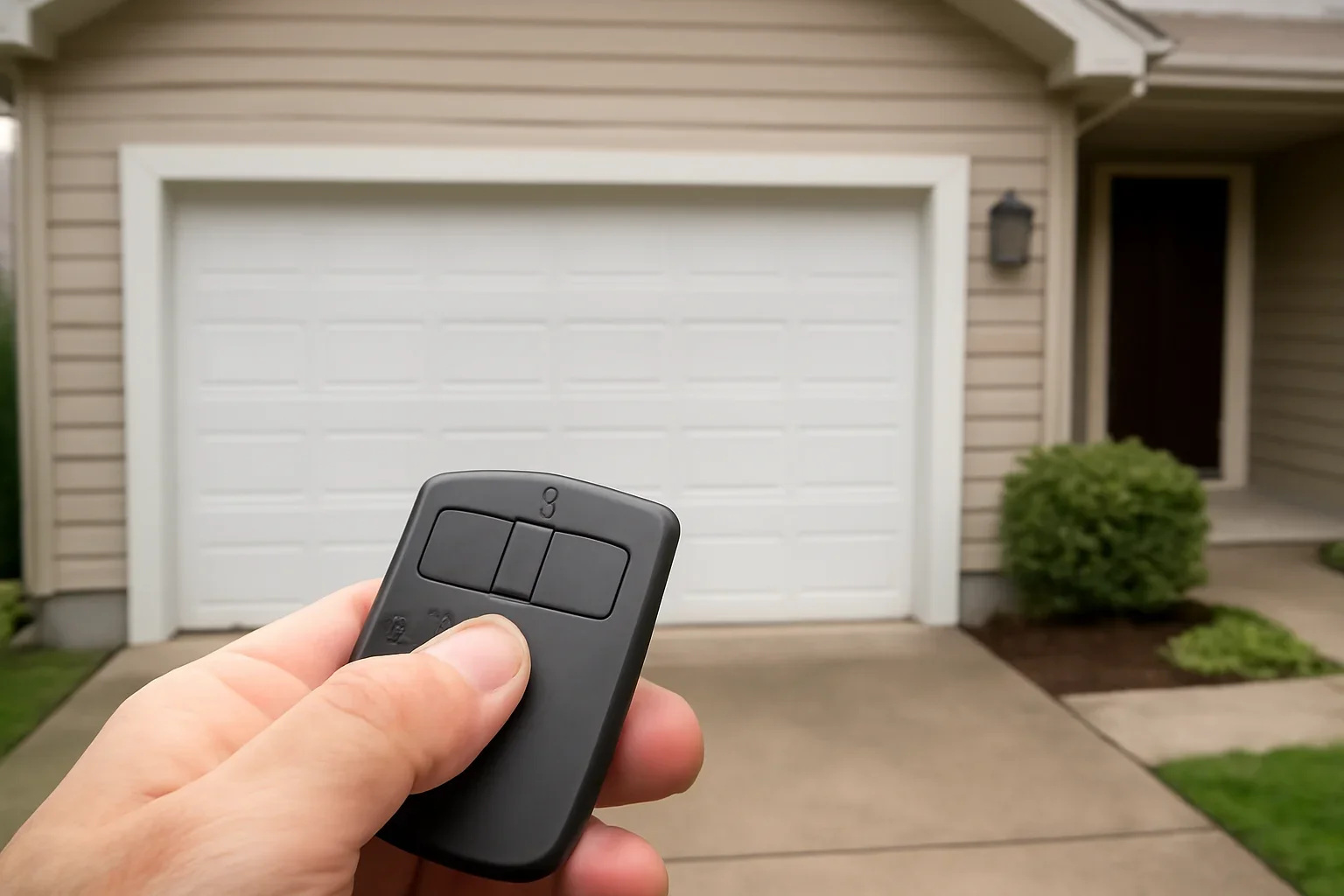
The most common starting points are a weak or incorrectly fitted battery, worn battery contacts, lost programming, wall-control lock mode, remote damage, reduced range or a replacement remote that is not compatible with the opener.
Test the wired wall control and another remote before resetting anything. This shows whether the problem is limited to one device or affects the opener and all access controls.
Different symptoms point toward different checks. Avoid resetting the opener until you know which controls are affected.
Start with that remote’s battery, battery contacts, buttons and programming. Compare it with another working control.
Check wall-control lock mode, opener power, recent resets and whether the receiver responds to any wireless control.
A weak battery, damaged antenna, remote wear or nearby electrical interference may reduce usable range.
Note whether the failure changes by vehicle position, time of day, button pressure or which remote is used.
Move from simple device checks to programming and opener diagnosis. Do not erase every stored control as the first step.
Stop when the door itself is heavy, uneven, off track or moving unpredictably. Those are not remote-control problems.
Comparing multiple controls helps avoid replacing a remote when the wider opener system is responsible.
Langley garages range from compact townhome openings to wide detached garages, rear-lane properties, rural workshops and separate accessory buildings. The distance and materials between the remote and opener can affect how a weak signal presents.
A townhome resident may notice failure while approaching through a shared lane. A detached-garage owner may find that the remote works near the building but not from the driveway entrance. Multi-vehicle households may have one failed control while the remaining remotes continue to work.
Test from a clear position outside the closed garage. Record whether the remote works from different vehicles or distances rather than repeatedly pressing it while driving toward a moving door.
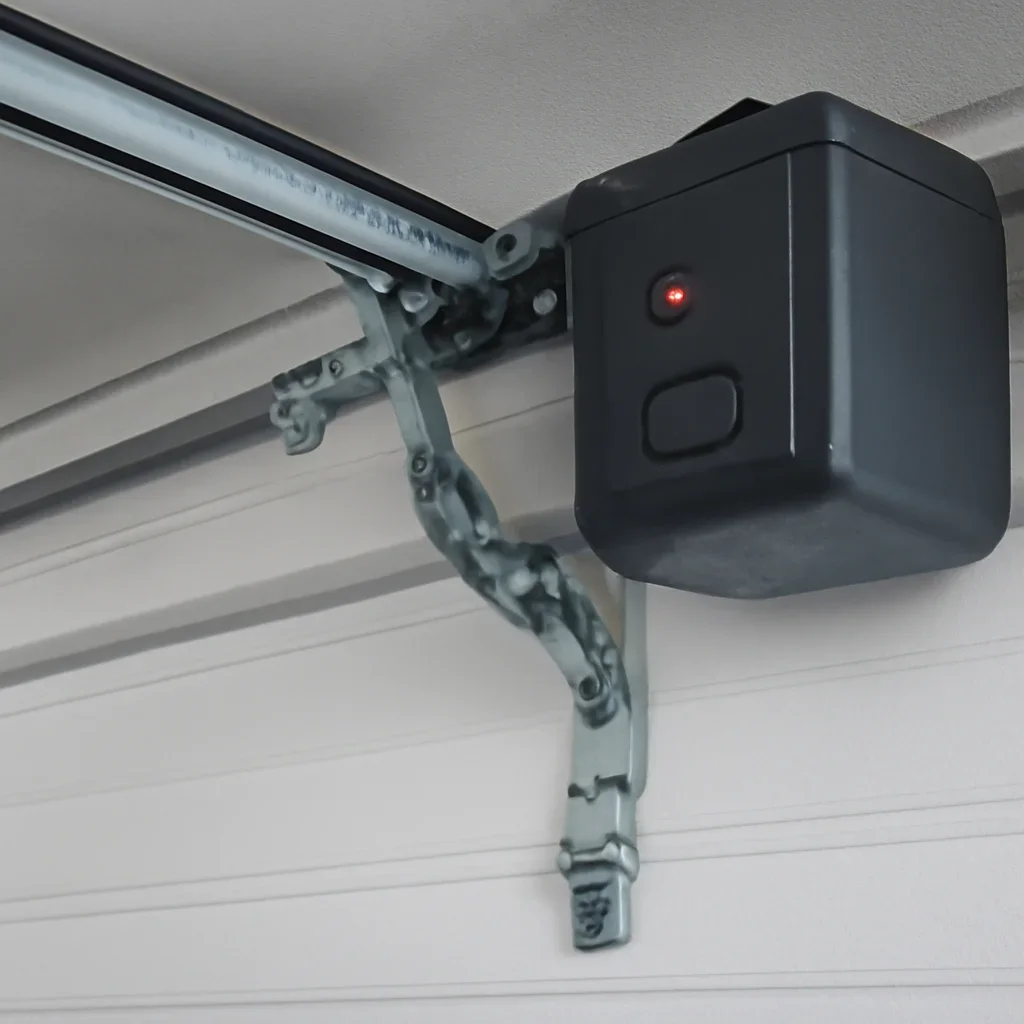
Reduced range does not automatically mean the opener needs replacement. Compare the device, battery, antenna and environment first.
The remote may still light up while producing a signal that no longer works reliably from the normal approach distance.
A damaged, trapped or altered opener antenna can affect how well the motor unit receives a remote signal.
Nearby devices, lighting or electrical equipment may interfere with radio reception. Note whether the problem began after something changed in or near the garage.
Internal device damage or declining opener-receiver performance may cause intermittent or unusually short-range response.
Start with the garage door opener manufacturer, model number and learn-button system. The learn button is commonly found on the motor unit near the antenna or beneath a light cover.
Confirm that the replacement remote specifically supports the opener’s control technology. The number of buttons also determines how many compatible doors, gates or accessories the remote may control.
Review the garage door remote options page before purchasing another control.
A lost remote should be treated as an access-control concern, especially when it disappeared with vehicle keys, registration or information that identifies the property.
Depending on the opener, the safer next step may be to erase stored remote access and program only the controls that should remain authorized. Changing related keypad access may also be appropriate.
Review how to reset a garage door opener and change a garage door access code before removing stored devices.
Book diagnosis when the cause extends beyond one battery or one programming attempt.
Compatible controls repeatedly fail to pair even though the opener has power and the correct instructions are being followed.
Remotes, keypad, wall control or connected access fail together or respond only intermittently.
Spring, cable, track, roller or balance problems can overload the opener and must be addressed separately from the remote.
Service is appropriate when the failed control blocks vehicle access, prevents the
Service garage from being secured or affects a household member’s only entry method.
You do not need to identify the failed part. Share what still works, what changed and the equipment details that are safely visible.
Include the full address, postal code and any strata, lane, parking, gate or detached-building instructions.
Send a clear photo of the motor-unit label and learn-button area when they can be photographed safely.
State whether the wired wall button, another remote, keypad, vehicle control or mobile app can operate the door.
Include both sides of the remote, the battery compartment and whether a new battery has already been installed.
Explain whether it works near the garage, from one vehicle only or at certain times or positions.
Mention power interruptions, opener resets, new lighting, electrical work, dropped controls or a recently purchased remote.
The goal is to confirm whether the fault is in one control, the wireless receiver, opener settings or the complete garage door system.
Test the wall control, remotes, keypad and other available access methods while noting lights, sounds and response.
Confirm the opener model, control technology, learn-button system and compatibility of the remote.
Replace the appropriate battery or control, restore programming, change settings or address receiver and opener issues as required.
Confirm all approved remotes, keypad, wall control and connected access through several complete door cycles.
A remote cannot correct a broken spring, loose cable, off-track roller, bent track or poorly balanced door. Stop operating the opener if the door is crooked, unusually heavy, hanging unevenly or moving without control.
Keep people, pets and vehicles away from the opening. Do not adjust springs, cables, drums or bottom brackets. Use garage door repair when the issue is mechanical rather than limited to the remote.
Use these pages for programming, batteries, keypads, opener repair, door movement and broader support.
These answers cover batteries, lock mode, range, programming, compatibility, lost controls and opener diagnosis.
Test the wired wall control and another remote. If the wall control works, inspect the failed remote’s battery, battery orientation, contacts, buttons and programming.
Possible causes include a weak battery, lost programming, wall-control lock mode, an incompatible remote, device damage or a wireless-receiver problem.
Check whether lock or vacation mode was activated, whether the opener was reset and whether it still has power. A receiver or control-board issue may need diagnosis when no wireless control responds.
Reduced range can involve a weak battery, antenna condition, remote damage, receiver wear or electrical interference near the opener.
Yes. An indicator light does not always confirm that the battery is strong enough to provide reliable operation from the normal distance.
Confirm the opener manufacturer, model number, approximate age and learn-button system. Check the replacement remote’s stated compatibility rather than choosing by appearance.
Not usually as the first step. Test the battery and reprogram the affected remote first. Erasing opener memory can remove every programmed control.
Consider removing stored remote access and reprogramming only the controls that should remain authorized. Change related keypad codes when appropriate.
Some electrical devices or lighting can contribute to interference. Note whether the range problem began after a lighting or electrical change in the garage.
Yes. The vehicle control has its own programming and compatibility requirements. A working handheld remote suggests the opener receiver may still be functioning.
Opener diagnosis may be needed when all wireless controls fail, compatible remotes cannot be programmed, several controls are unreliable or the receiver responds intermittently.
Include the Langley address, opener brand and model, learn-button photo, controls that still work, remote photos, battery changes, range symptoms and any recent power or electrical changes.
Send the address, opener brand and model, learn-button photo, remote photos, controls that still work, battery history and whether the issue affects one device or the complete system.
Final recommendations depend on the opener model, remote compatibility and the controls and door conditions found.